Guide Security Basics

How do VPN kill switches and leak tests work?

A kill switch aims to block traffic when a VPN tunnel fails. Test the actual app, device, protocol and network rather than trusting a feature label.

The editorial desk checked the sources listed on this page. This is desk research, not hands-on product testing or legal advice. Spotted an error? Tell us — see our corrections policy.

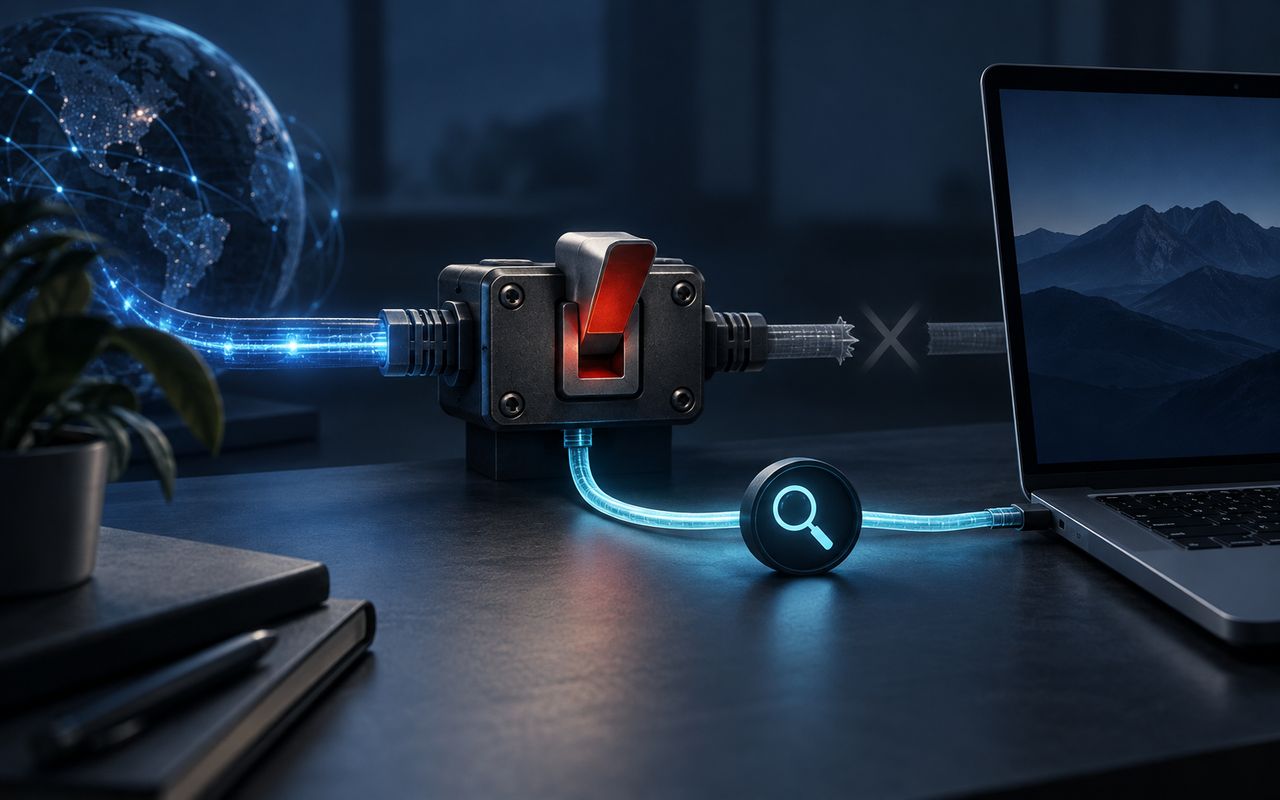
A network switch interrupts one route while a separate query path remains visible.

Key facts

Kill switch A control intended to prevent selected traffic from falling back to the ordinary network path
DNS check Confirms which resolver handles lookups while the tunnel is connected
IP check Compares the public addresses exposed with and without the VPN, including IPv4 and IPv6
Test scope Results apply to the tested app version, device, protocol, settings and network

What does a kill switch try to prevent?

If a tunnel disconnects, the operating system may return traffic to the normal network route. A kill switch is intended to block that fallback for the traffic within its scope. The UK National Cyber Security Centre distinguishes forced VPN routing from configurations where users can bypass or disconnect the VPN; that design choice matters more than the marketing name.

Split tunneling intentionally sends some traffic outside the tunnel, so a single “VPN connected” indicator cannot describe every packet. Browser-only extensions may have a narrower boundary again.

What should a careful test cover?

Use a test account and avoid exposing sensitive activity while testing.

  1. Record the setup. Note device, operating system, app version, protocol, gateway, IPv6 setting, split-tunnel rules and network type.
  2. Establish a baseline. Before connecting, record the public IPv4/IPv6 address and DNS resolvers shown by reputable diagnostic tools.
  3. Connect and compare. Confirm the exposed public addresses and resolvers change as the provider documents. An unfamiliar resolver is not proof of a leak; identify who operates it.
  4. Exercise transitions. Test a deliberate disconnect, sleep/wake, Wi-Fi to mobile handover and server change. Check whether out-of-scope traffic behaves differently because of split tunneling.
  5. Repeat after changes. Retest following app, protocol, operating-system or routing-setting updates.

How should you interpret a result?

A clean check means the tested setup behaved as expected during those runs. It does not certify every platform, server or future version. A surprising result also needs diagnosis: cached browser data, enterprise DNS, secure-DNS settings, IPv6 or an intentional split route can affect what a tool reports.

Document the evidence and contact the provider before publishing a provider-wide leak allegation. The honest claim is narrow and dated.

Frequently asked

Does a kill-switch label prove all traffic is blocked?
No. Coverage and failure behavior can differ by platform and configuration. Test the apps and network transitions that matter to you.
Should I retest after an app update?
Yes, particularly after changes to routing, split tunneling, protocols or operating-system network permissions. A previous result does not certify a new version.
Is a browser VPN extension the same as a device VPN?
Usually not. An extension may proxy only browser traffic. Confirm its documented scope and do not assume other apps or operating-system traffic use it.

Want this for your budget and country?

Ask the Sherpa and get the real numbers in plain English for your budget and country.

Ask the Sherpa

Sources

Checked October 7, 2026. Dates below are the source's publication or report date where available; “accessed” is when our editorial desk last opened the source.

  1. Holiday Traveling with Personal Internet-Enabled Devices — US Cybersecurity and Infrastructure Security Agency; accessed 2026-10-07.
  2. Virtual Private Networks — forced versus optional routing — UK National Cyber Security Centre; accessed 2026-08-21.
  3. Guide to IPsec VPNs, Revision 1 — US National Institute of Standards and Technology; accessed 2026-08-21.