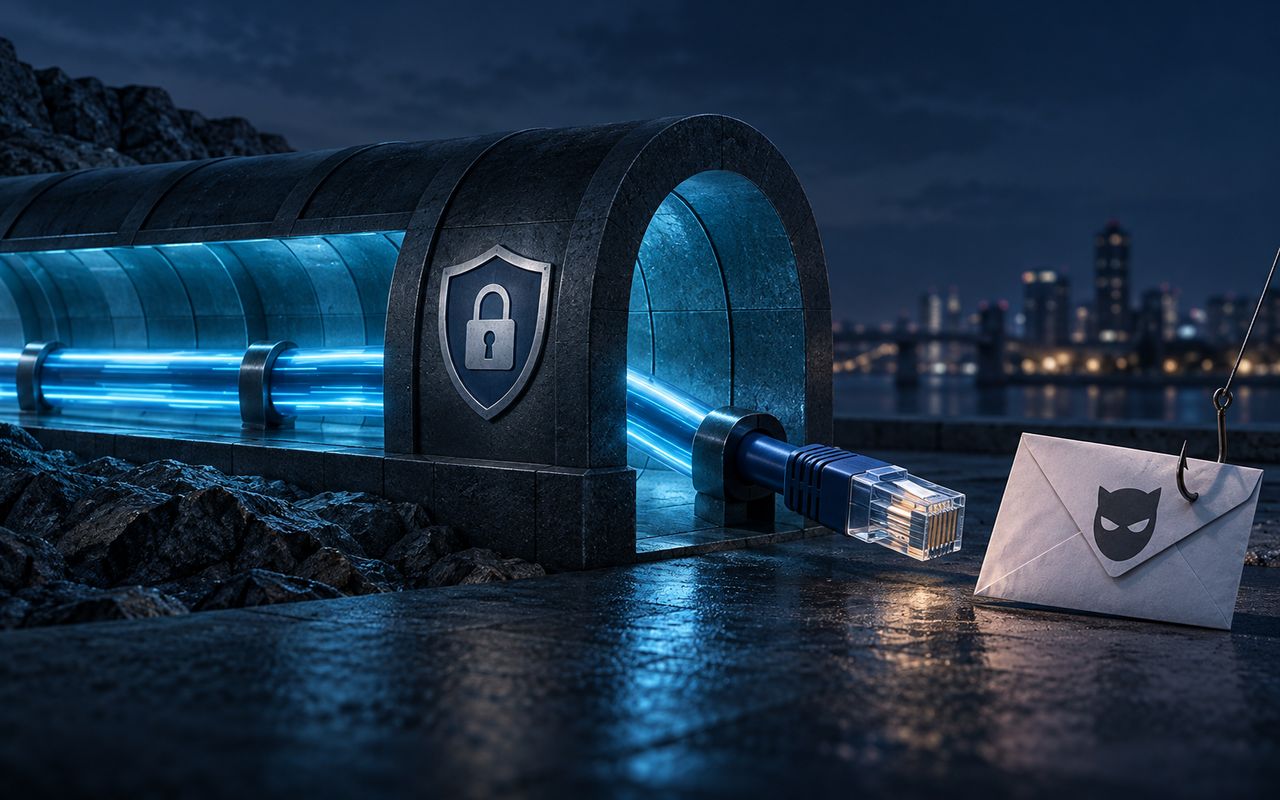
Where does VPN protection begin and end?
The VPN creates an encrypted path between the client and a VPN gateway. That can reduce exposure on the local network and hides the home public IP from the destination. After the gateway, the connection continues to the destination; normal protections such as HTTPS still matter.
The Federal Trade Commission notes that most websites now use encryption, which substantially improves safety on public Wi-Fi. A VPN can add another network privacy layer, but claims that every café network can otherwise read everything you load are outdated and too broad.
Which risks remain?
Account identification. A signed-in service knows the account regardless of the visible IP. Cookies, local storage, recovery addresses and payment records can also link sessions.
Browser and device tracking. Browser characteristics and behavior can contribute to fingerprinting. A VPN does not standardize the browser or device.
Malware and unpatched software. The tunnel transports data; it does not validate every file, patch a vulnerable app or clean an infected device.
Phishing and fraud. Encryption can deliver a fraudulent site securely. Check the domain and use phishing-resistant authentication where available.
The destination and the VPN provider. The destination still receives your requests, and the VPN operator becomes part of the path. Review both parties’ data practices and use end-to-end application encryption where appropriate.
What is a balanced security setup?
Use a VPN for a defined network purpose. Combine it with software updates, device encryption, a password manager, strong multi-factor authentication, careful download and link handling, backups and privacy controls at the account and browser layers. No single product covers all of those risks.